Adding Logos and Photos to Blank Plastic Cards Made Simple
Table of Contents []
- Adding Logos and Photos to Blank Plastic Cards: Your Complete Guide from Plastic Card ID
- Why Blank Cards Are the Smart Starting Point
- Choosing the Right Blank Card for Your Logo and Photo Printing Needs
- Design Essentials: Getting Your Logo and Photos Print-Ready
- Card Printers That Bring Your Designs to Life
- From Cards to Complete Programs: Value-Added Services
- Trusted by Over 100,000 Customers Nationwide - Plastic Card ID Is Ready to Help
Adding Logos and Photos to Blank Plastic Cards: Your Complete Guide from Plastic Card ID
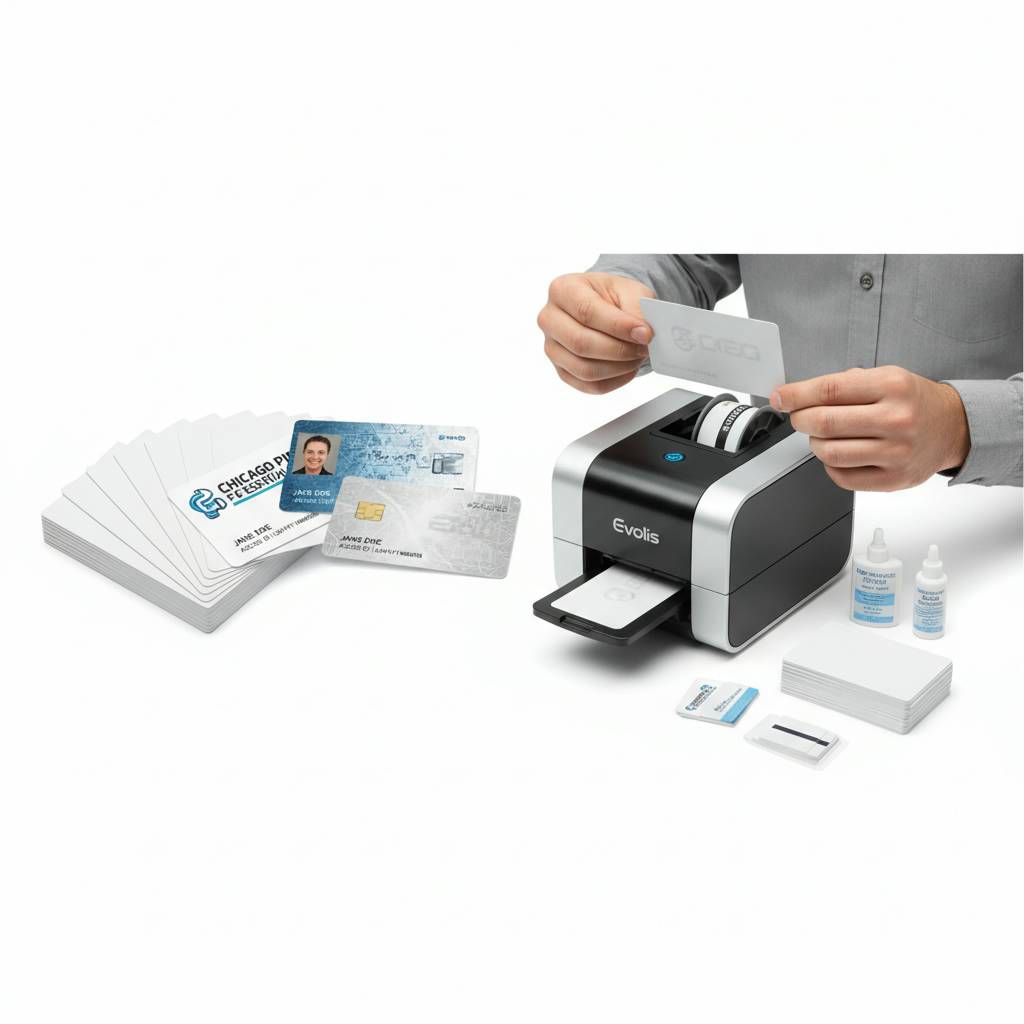 There is something almost alchemical about taking a plain white CR80 card and transforming it into a branded employee badge, a loyalty card that customers actually want to carry, or a membership credential that commands respect the moment it is handed over. That transformation begins with a single decision: what goes on the card, and how do you put it there? Adding logos and photos to blank plastic cards is the core skill behind every successful in-house card program - and it is exactly where Plastic Card ID has been helping businesses across the United States for more than 25 years.
This guide covers everything you need to know. Card selection, printing methods, design considerations, file preparation, and the hardware that makes it all work. Whether you are printing 50 cards a month for a small gym membership program or running a high-volume employee ID operation across multiple facilities, the principles here apply - and CPE has the products to back them up.
| Card Type | Best For | Print Surface Quality |
|---|---|---|
| Blank White PVC CR80 | ID badges, loyalty, membership | Excellent - full color reproduction |
| Magnetic Stripe PVC | Gift cards, access, loyalty | Excellent - stripe on reverse |
| Clear / Frosted PVC | Premium branding, VIP cards | Very Good - translucent effect |
| RFID / Smart Chip Cards | Access control, hotel keys | Excellent - full printable face |
| Colored Stock PVC | Tiered membership, events | Good - color affects output |
Why Blank Cards Are the Smart Starting Point
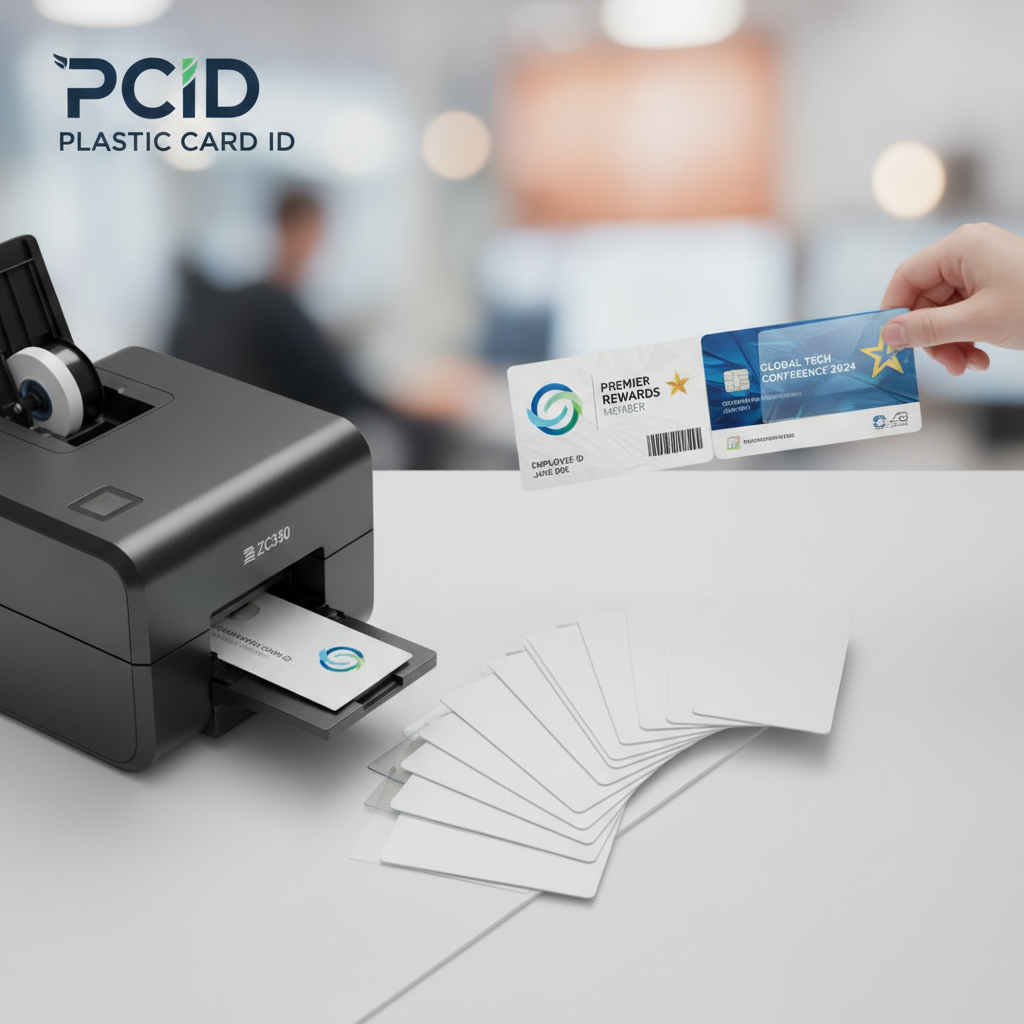 The instinct to order pre-printed cards in large batches makes sense on the surface. Lower per-unit cost, less equipment investment. But organizations that have switched to in-house printing on blank PVC cards almost universally report that the flexibility alone justifies the shift. Staff changes, branding updates, seasonal promotions - none of these require a new bulk order when you control the printing process yourself.
Blank CR80 cards meet the ISO 7810 standard, measuring 3.375 x 2.125 inches at 30 mil thickness. That is the same physical format as a standard credit card, which means they work with every card printer, every badge holder, and every wallet slot your customers and employees already use. Starting with blank cards gives you a canvas - and adding your logo and photos is how that canvas becomes a brand asset.
The CR80 Standard and Why It Matters for Printing
Not all plastic cards are created equal. The CR80 standard matters because card printers are calibrated to feed, grip, and print on a card of this exact thickness and dimension. Undersized or off-spec cards cause jams, misalignment, and wasted ribbon. Starting with ISO-compliant blank cards eliminates that entire class of problems before they begin.
When you add a logo or employee photo using a desktop card printer, the dye-sublimation or thermal transfer process relies on consistent surface chemistry. White PVC cards are manufactured specifically to accept these inks cleanly, producing vivid colors and sharp photographic detail that rival commercial printing at a fraction of the per-card cost over time.
Blank Cards vs. Pre-Printed: A Practical Cost Breakdown
Organizations often assume that outsourcing card printing to a commercial printer is cheaper. Run the actual numbers, though, and the story changes. A small business printing 100 custom ID cards through an outside vendor might pay $2.50-$4.00 per card. The same card printed in-house on a blank PVC card with a mid-range Evolis or Zebra printer typically lands at $0.50-$1.20 per card once amortized across the printer's lifespan.
The math becomes even more compelling when you factor in turnaround time. An outside print order takes days or weeks. In-house printing delivers a finished card in under two minutes, which matters enormously when a new employee starts today and needs a badge by 9 a.m. CPE stocks the full range of blank PVC cards and the printers to run them.
Control Over Your Brand Identity
When your logo appears on a plastic card, it is not just decoration. It is a signal - of professionalism, permanence, and organizational credibility. Retailers who have moved from paper punch cards to branded plastic loyalty cards routinely report sales increases in the 35-50% range, and the difference is not the points program. It is the physical presence of a card that looks and feels like it belongs in a wallet.
Printing your own logo and photos in-house means every card reflects your current branding. No outdated logos, no stale color palettes, no minimum order quantities forcing you to sit on cards that no longer match your identity. That level of control is a genuine competitive advantage, and blank PVC cards are what make it possible.
Choosing the Right Blank Card for Your Logo and Photo Printing Needs
The type of blank card you choose shapes the final result as much as the printer or design software you use. A glossy white PVC card will render a full-color logo differently than a frosted card or a colored stock card. Understanding the surface characteristics of each card type before you commit to a large order prevents expensive surprises.
CPE carries an extensive catalog of blank cards precisely because one size does not fit every program. The right card is the one that matches your use case, your printer model, and the visual impression you want to make when that card changes hands.
White PVC Cards: The Baseline for Photo-Quality Output
Standard white PVC CR80 cards are the workhorses of in-house card programs for a reason. Their smooth, bright surface is optimized for dye-sublimation printing, which is the same technology used to produce photographic prints. Employee ID photos come out crisp and true-to-life. Logos reproduce in vivid CMYK color. Text is sharp at even small point sizes.
These cards are available in single-sided and dual-sided print configurations, and they work with ribbons from Evolis, Zebra, and Fargo - all of which Plastic Card ID carries. If you are new to in-house card printing, white PVC cards are the right starting point: forgiving, versatile, and reliably high-quality.
Clear and Frosted Cards for Premium Brand Moments
Clear and frosted PVC cards create a visual impact that standard white cards simply cannot replicate. When you print a logo on a clear card, the design appears to float in space - a striking effect for VIP membership programs, high-end loyalty cards, or any application where you want the card itself to communicate luxury and exclusivity. The translucent surface turns every printed element into a design feature.
Frosted cards offer a softer aesthetic, with a slightly diffused surface that gives printed logos and photos a sophisticated, matte character. Both clear and frosted cards are available in CR80 format from CPE, and both are fully compatible with standard desktop card printers. File preparation requires slightly different contrast settings to account for the background, but the results are consistently impressive.
Colored Stock and Specialty Cards
Colored stock cards - available in a range of base colors - allow tiered membership programs to differentiate levels visually without requiring entirely separate card designs. Print the same logo and member photo on a red card for standard members and a black card for premium members, and the visual hierarchy communicates itself without a single additional word on the card.
Specialty options from Plastic Card ID extend to custom die-cut shapes for cards that need to stand out physically, and luxury metal cards in stainless steel, brass, and gold for programs where the card itself is part of the value proposition. These high-end options pair exceptionally well with engraved logos and custom designs for executive membership, high-value loyalty programs, and premium event credentials.
Design Essentials: Getting Your Logo and Photos Print-Ready
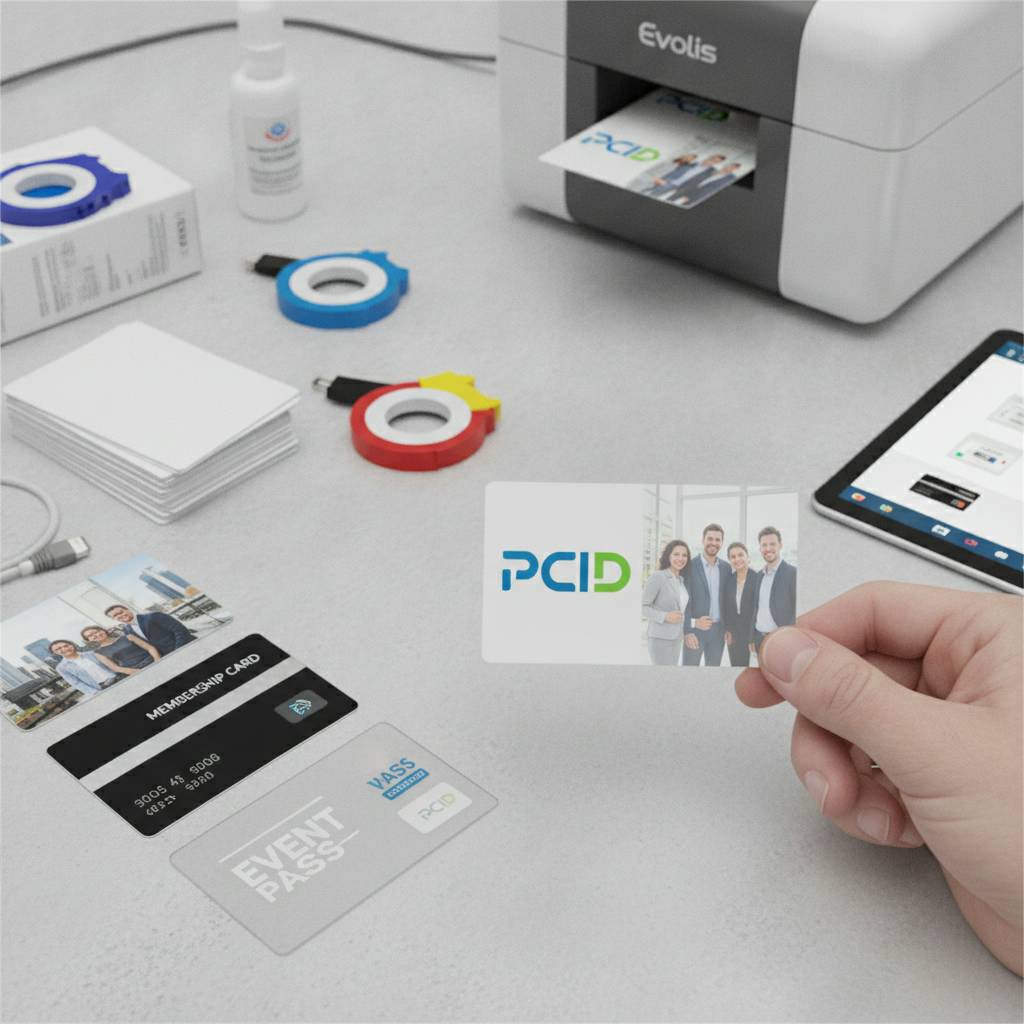 A card printer is only as good as the file you feed it. The difference between a sharp, professional card and a blurry, pixelated one almost always comes down to file preparation rather than printer capability. Understanding a few basic design principles will save time, ribbon, and frustration before you print a single card.
Resolution, color mode, and bleed setup are the three areas where most first-time card designers run into trouble. Get these right and your logos and photos will look exactly the way you envisioned them when you set up the design.
Resolution Requirements for Logos and Photos
Card printers typically operate at 300 DPI resolution, with some high-end models reaching 600 DPI. Your logo and photo files need to match or exceed that resolution at the actual print size. A logo that looks sharp on screen at 72 DPI will print blurry and degraded. Always work from vector files (SVG, EPS, AI) for logos, which are resolution-independent and will print crisply at any size.
For employee photos and other raster images, 300 DPI at the intended print dimensions is the minimum. If you are sourcing photos from a webcam or low-resolution camera, plan for visible quality loss. A mid-range dedicated ID card camera or a modern smartphone on its highest-quality setting will produce photos that print beautifully on a white PVC card.
Color Mode and Card Template Setup
Most card printing software and printer drivers work in RGB color mode, even though print traditionally favors CMYK. Check your specific printer's documentation - Evolis, Zebra, and Fargo all provide guidance on color profiles for their respective drivers. Designing in the correct color mode prevents color shifts between screen and print that can make a carefully chosen brand color look completely different on the finished card.
Set up your design canvas to exactly 3.375 x 2.125 inches with a 1/8-inch bleed on all edges. This ensures that background colors and design elements that extend to the card edge print all the way to the edge without leaving white borders. Most professional design tools including Adobe Illustrator, Photoshop, and even Canva support these settings.
Placing Logos and Photos for Maximum Visual Impact
Card real estate is limited. A CR80 card measures roughly 14 square inches, and competing design elements can quickly crowd each other. The most effective card designs follow a clear visual hierarchy: the organization logo as the dominant element, followed by a photo if required, then the cardholder name and any encoded information. White space is not wasted space - it is what keeps a card design readable at a glance.
For employee ID cards and membership cards where the photo must identify the cardholder, position the photo on the left side of the card and the logo in the upper right or centered at the top. This mirrors the visual convention most people expect from an ID card, which means the information registers instantly without requiring active reading. Call 800.835.7919 to discuss your specific card design goals with the team at CPE.
Card Printers That Bring Your Designs to Life
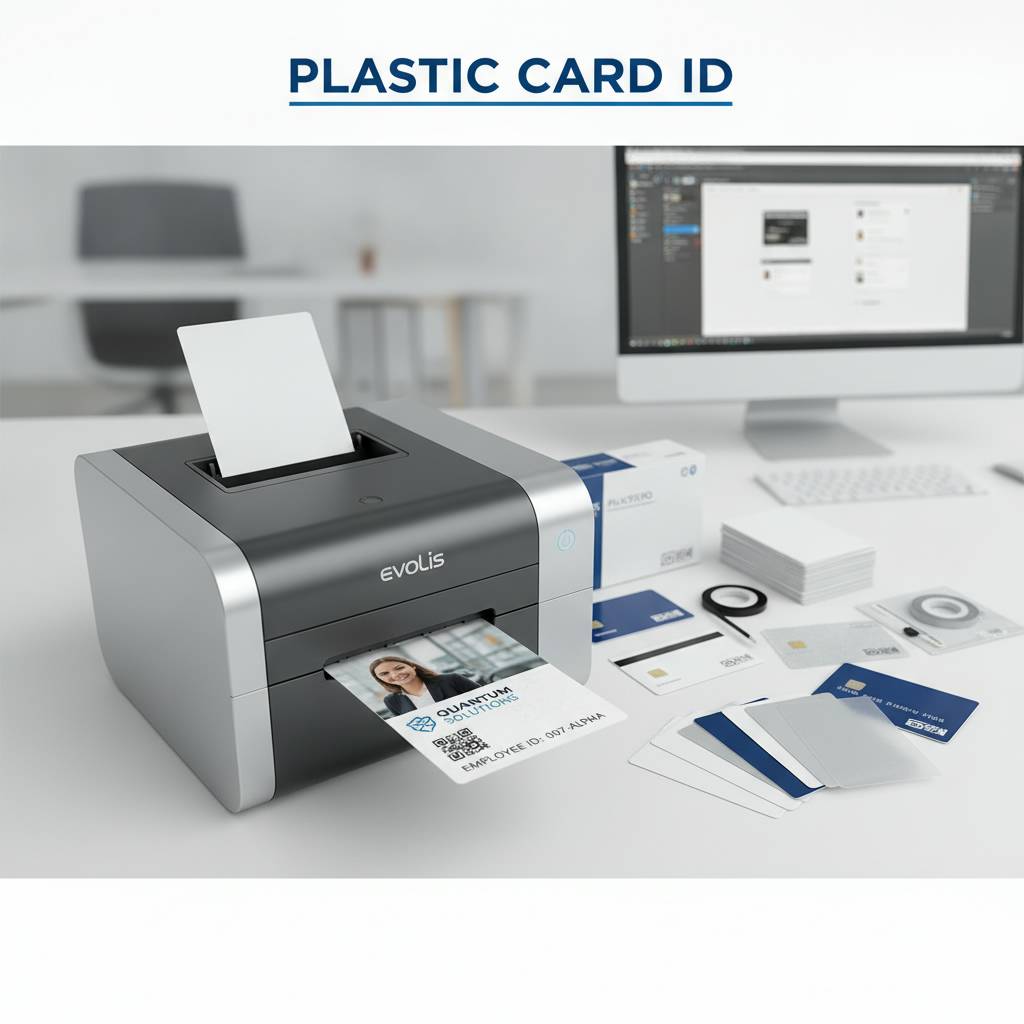 The printer you choose determines the ceiling for print quality, throughput speed, and the range of encoding options available. Plastic Card ID carries printers from Evolis, Zebra, and Fargo - three brands that together cover every level of organizational need, from a small nonprofit printing 20 membership cards a month to a corporate facility issuing hundreds of employee badges weekly.
Evolis Printers: Elegant, Reliable, and Approachable
Evolis printers are favored for their compact footprint, user-friendly operation, and consistently excellent print quality. Models like the Evolis Primacy and Zenius are particularly well-suited to organizations printing logos and photos for membership, loyalty, and ID card programs. Dye-sublimation technology in Evolis printers renders full-color photos with true photographic quality, making them a natural fit for employee badge programs where likeness accuracy matters.
The Evolis ecosystem includes dedicated ribbons and cleaning kits, all stocked by Plastic Card ID. Keeping an Evolis printer clean and supplied with fresh ribbon is the single most important factor in maintaining print quality over the printer's lifespan. The investment in proper consumables pays back in cards that look professional year after year.
Zebra and Fargo: High Volume and Advanced Encoding
Zebra card printers are built for demanding environments. High-throughput models from Zebra's ZC and ZXP series can print and encode hundreds of cards per hour, making them ideal for large-scale ID badge issuance events, casino player card programs, and hotel key card operations where speed is as important as print quality.
Fargo printers, particularly the HDP series, use a high-definition printing process that applies dye-sublimation to a retransfer film before bonding it to the card surface. This approach covers the entire card face including the edges of chips and magnetic stripes, producing a visually seamless result that is unmatched for premium card programs. Combined with blank PVC, RFID, or smart chip cards from CPE, a Fargo HDP printer delivers a finished product that is genuinely difficult to distinguish from a commercially produced card.
Ribbons, Supplies, and Keeping Your Printer Performing
A card printer without the right ribbon is a paperweight. Plastic Card ID stocks YMCKO, KO, monochrome, and overlay ribbons for all major printer brands. YMCKO ribbons - yellow, magenta, cyan, black, and overlay - are the standard choice for full-color photo and logo printing, delivering the complete color spectrum plus a protective topcoat that resists scratching and UV fading.
Printer cleaning kits are not optional accessories - they are maintenance necessities. Dust, card debris, and ribbon residue accumulate inside the print path and degrade print quality over time. Regular cleaning cycles, typically every 1,000-2,000 cards depending on the printer model, maintain the sharpness and color accuracy of every logo and photo you print. Plastic Card ID makes it easy to order cleaning kits alongside ribbons so you are never caught without one.
From Cards to Complete Programs: Value-Added Services
A well-printed card is the core of any card program, but the infrastructure around it matters too. Plastic Card ID operates as a genuine strategic partner, not simply a card vendor. That means offering the supporting products and services that turn a stack of blank PVC cards into a functioning, professional card program from day one.
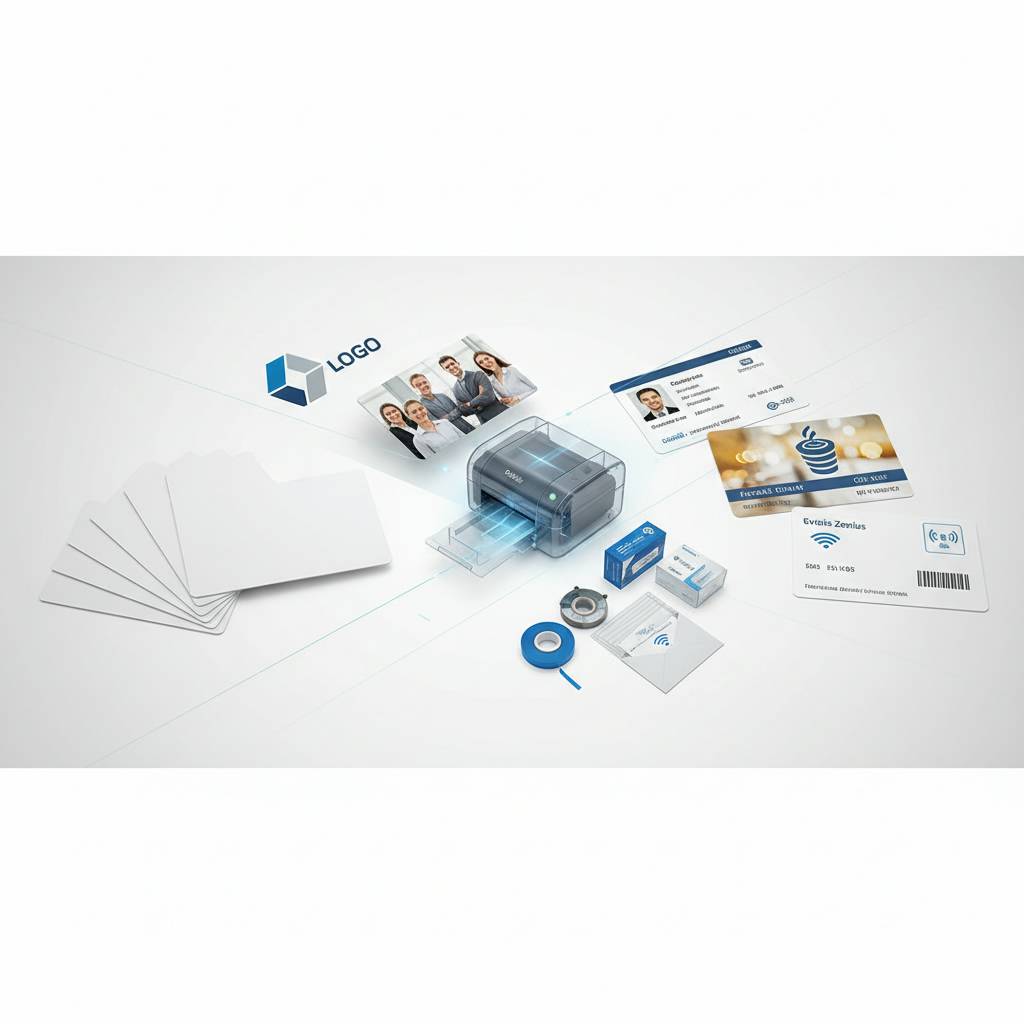
Card Carriers, Sleeves, and Presentation
How a card is delivered is part of the brand experience. A loyalty card slipped into a branded card carrier at the point of sale feels like a gift rather than a transaction. Card sleeves protect printed cards during distribution and storage, preventing surface scratches that could obscure a logo or compromise a photo. These small details add up to a significantly more polished program and are available directly from CPE.
For membership and ID programs where cards are mailed to recipients, card carriers with preprinted instructions, welcome messages, or activation details transform a simple card fulfillment into a complete onboarding communication. The combination of a well-designed printed card inside a professional carrier is a brand touchpoint that paper-based alternatives simply cannot replicate.
Card Affixing and Mailing Services
Not every organization has the staff or infrastructure to handle card distribution in-house. Plastic Card ID offers card affixing and mailing services for programs that need physical cards to reach members, employees, or customers without internal fulfillment resources. This service is particularly valuable for organizations launching new card programs at scale - when thousands of cards need to go out the door quickly and accurately.
Card affixing involves mounting cards to mailers or carriers in a format ready for postal processing. For loyalty programs, membership renewals, and event credential mailings, this turnkey service eliminates a significant operational burden while ensuring that every card arrives professionally presented. Pair this service with your choice of blank PVC or custom-printed cards from CPE for a complete end-to-end solution.
Frequently Asked Questions About Logo and Photo Printing on Plastic Cards
- What file format should I use for my logo? Vector files (EPS, AI, SVG) are ideal because they are resolution-independent. High-resolution PNG files at 300 DPI or above are also acceptable.
- Can I print photos on any card type? Full-color photo printing works best on white PVC cards. Clear, frosted, and colored stock cards can accept photos but require design adjustments to account for the background color.
- Do I need special software to design cards? Most card printers include basic design software. For advanced layouts, Adobe Illustrator or Photoshop gives you the most control. Some free tools like Canva support card-sized canvases.
- How many cards can I print per ribbon? YMCKO ribbons typically print 200-250 cards per roll depending on the printer model and color coverage of your design.
- Can I print on both sides of the card? Yes, with a dual-sided printer. Single-sided printers print one face only. Plastic Card ID can help you match the right printer to your layout requirements.
- What is the minimum order quantity for blank cards? CPE serves programs of all sizes, from small quantities to bulk orders in the tens of thousands. Contact the team to discuss volume pricing.
Trusted by Over 100,000 Customers Nationwide - Plastic Card ID Is Ready to Help
 More than 50 million cards sold across more than two decades of operation means Plastic Card ID has seen virtually every card program scenario a USA-based business or organization can encounter. Small nonprofits building their first membership program. National retail chains scaling loyalty card initiatives across hundreds of locations. Hotels issuing branded key cards. Corporations running enterprise-wide employee ID badge programs. The common thread is a commitment to quality cards, reliable supply, and expert guidance that goes beyond a simple product transaction.
Adding logos and photos to blank plastic cards is not complicated - but doing it well, consistently, at the right cost, with the right equipment and supplies, requires a partner who knows the landscape. That is what CPE delivers. From card selection to printer choice, ribbon supply to card carrier fulfillment, the full ecosystem of a successful in-house card program is available in one place.
Ready to get started or upgrade your existing card program? Contact Plastic Card ID today and speak with a card program specialist who can guide you to the right blank cards, printer, and supplies for your specific needs. Call 800.835.7919 now and let CPE put over 25 years of expertise to work for your organization.