How to Print on Blank Plastic Cards: Simple Guide
Table of Contents []
- How to Print on Blank Plastic Cards: A Complete Guide from Plastic Card ID
- Understanding Blank Plastic Cards Before You Print
- Choosing the Right Card Printer for the Job
- Setting Up Your Card Design for Flawless Print Results
- Encoding Plastic Cards: Magnetic Stripe, RFID, and Smart Chip
- Building and Scaling Your In-House Card Program
- Specialty Cards and Advanced Options Worth Knowing About
- Start Printing with Confidence - Plastic Card ID Has You Covered
How to Print on Blank Plastic Cards: A Complete Guide from Plastic Card ID
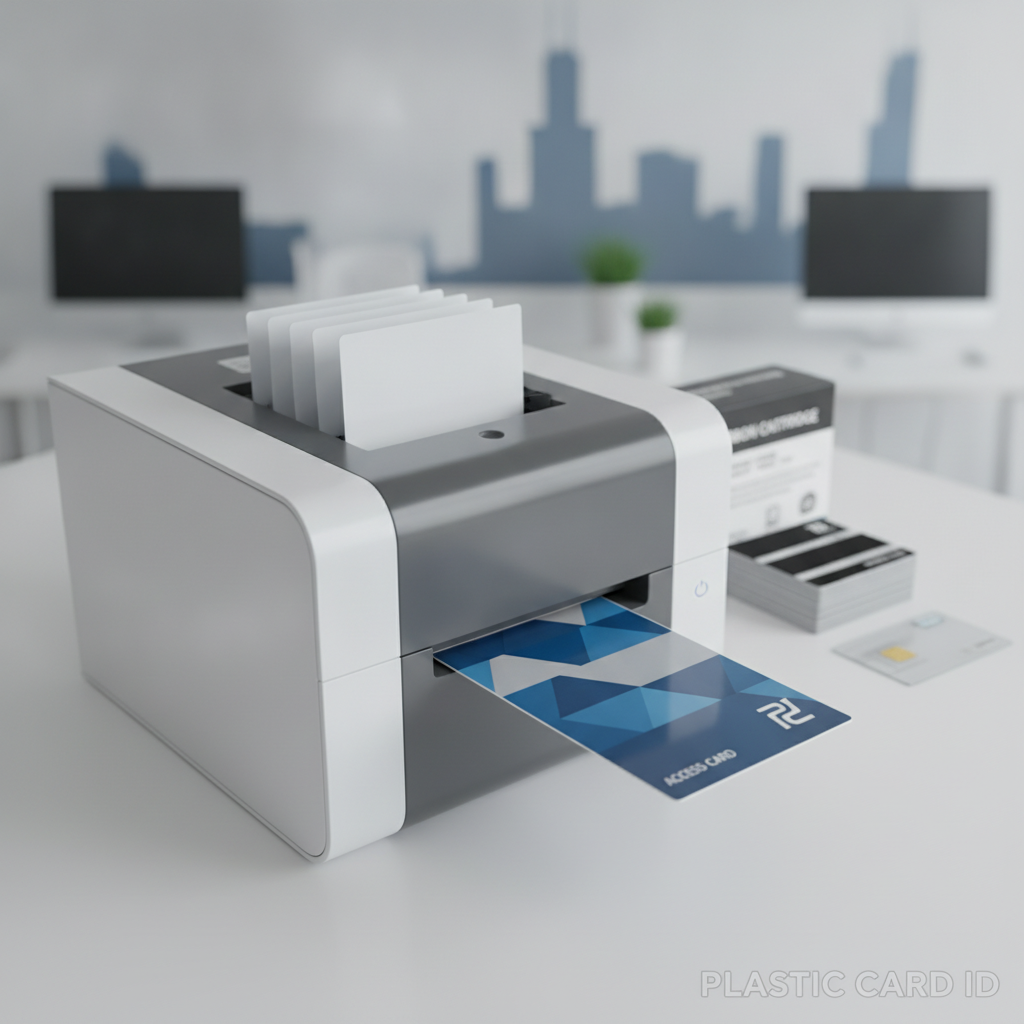 So you've got a stack of blank plastic cards and a vision - maybe it's employee badges, maybe loyalty cards, maybe membership credentials that actually look the part. Whatever the goal, knowing how to print on blank plastic cards correctly makes the difference between a polished, professional result and a frustrating waste of materials. This guide covers everything: card types, printer choices, encoding options, design tips, and the kind of insider knowledge that only comes from supplying over 50 million cards to more than 100,000 businesses across the United States.
Printing on plastic cards is not the same as printing on paper. The process requires specific hardware, compatible card stock, and an understanding of what the end-use demands. Get those three things right, and you'll run a card program that scales effortlessly - whether you're printing 50 cards a month or cranking out tens of thousands at a time.
| Card Type | Best Print Method | Common Use Case | Encoding Option |
|---|---|---|---|
| Blank PVC CR80 | Direct-to-card dye sublimation | ID badges, loyalty cards | None or magnetic stripe add-on |
| Magnetic Stripe (HiCo/LoCo) | Direct-to-card with encoder | Gift cards, access cards | HiCo 2750 Oe or LoCo 300 Oe |
| RFID / Proximity Cards | Direct-to-card over chip | Access control, hotel keys | Contactless RFID encoding |
| Smart Chip Cards | Retransfer or direct-to-card | Secure ID, campus cards | Contact chip programming |
| Clear / Frosted PVC | Direct-to-card (white ink panel required) | Specialty VIP, membership | Optional magnetic stripe |
Understanding Blank Plastic Cards Before You Print
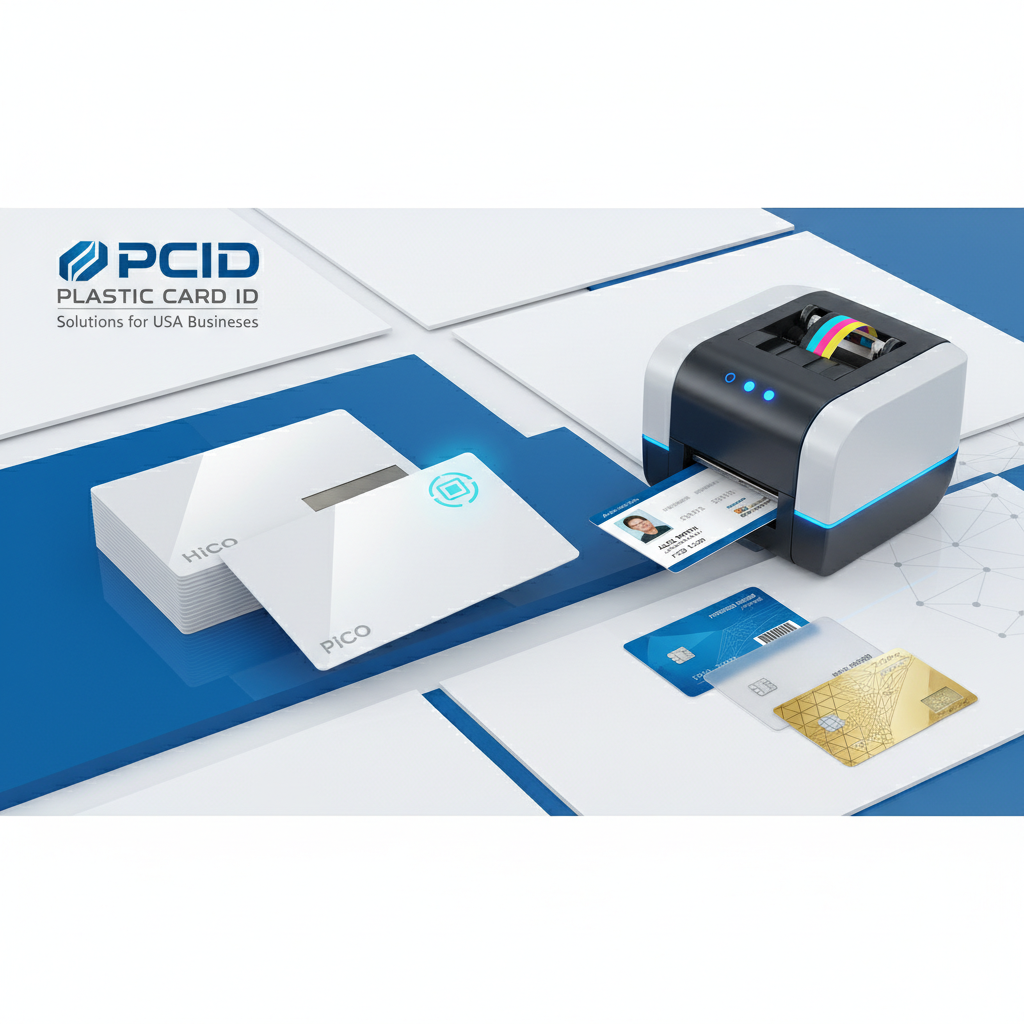 Before a single card feeds into a printer, it's worth understanding what you're actually working with. Blank CR80 PVC cards are the industry standard - measuring 3.375 x 2.125 inches at 30 mil thickness, they conform to ISO 7810 specifications and are designed to run through card printers cleanly, without jamming, warping, or producing inconsistent color output. This is not a trivial point. Off-spec cards cause real headaches.
The material composition matters too. Standard white PVC cards have a smooth, receptive surface that accepts dye sublimation and thermal transfer printing beautifully. Colored stock, clear cards, and frosted variants behave differently - and knowing those differences before you design your layout saves time, money, and a lot of reprints.
CR80 Standard: Why It Matters
The CR80 format isn't arbitrary. It's the globally recognized credit-card-size standard that ensures your cards fit wallets, badge holders, card sleeves, and card printers designed for that exact footprint. Deviating from CR80 dimensions means custom die-cut tooling and specialty printing processes - useful for premium applications, but unnecessary for most everyday card programs.
At 30 mil thickness, CR80 cards are rigid enough to feel substantial in hand - that tactile quality communicates professionalism in a way paper punch cards simply never can. Retailers who've made the switch from paper gift cards to plastic see sales lifts of 35-50%, and that number speaks for itself.
Card Surface Types and Print Compatibility
White PVC cards are the universal default, compatible with virtually every card printer on the market. Clear and frosted cards introduce a unique challenge: dye sublimation inks are transparent by nature, so printing on a clear base without a white underlay produces washed-out, nearly invisible results. Cards intended for clear stock require printers with a dedicated white ink panel or a YMCKO ribbon configuration that includes white.
Colored stock cards - navy, red, black, gold - work well for single-color or limited-color printing but can distort full-color designs. If brand color accuracy is critical, printing on white cards and incorporating color through your design file gives you the most predictable results. CPE stocks a wide range of colored card options for programs where the card's base color is part of the brand identity.
Thickness, Overlaminates, and Durability Considerations
Standard 30 mil cards suit most applications. For programs demanding extra durability - outdoor access badges, industrial environments, high-friction wallet use - adding an overlaminate layer during printing dramatically extends card life. Most Evolis, Zebra, and Fargo printers support topcoat or laminate overlays as part of the ribbon configuration or as a second print pass through a lamination module.
Overlaminates also protect against UV fading and surface scratching, which matters for cards expected to stay active for one to three years. A laminated card that holds its color and legibility throughout its intended lifespan is a silent but consistent brand ambassador - every time it's pulled from a wallet, it's doing work for you.
Choosing the Right Card Printer for the Job
The printer is the engine of your card program. Choose the wrong one and you'll fight it at every turn - slow throughput, misaligned prints, encoding failures. Choose well and the whole operation runs on autopilot. CPE carries a curated lineup of card printers from three of the most trusted names in the industry: Evolis, Zebra, and Fargo (HID Global).
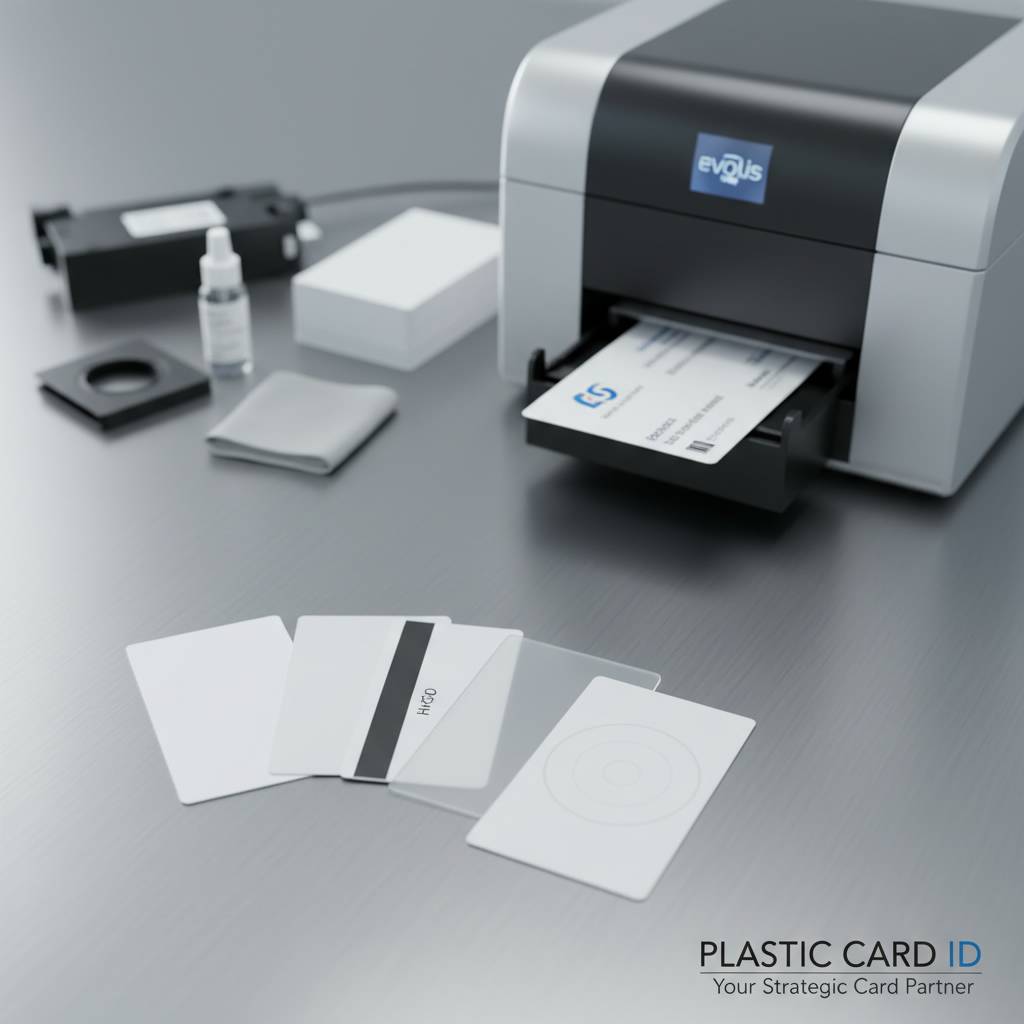
Each brand has its strengths. Evolis printers are known for exceptional color fidelity and ease of use, making them popular with businesses running small-to-medium volume programs. Zebra dominates enterprise and high-volume environments with rugged construction and fast throughput. Fargo brings deep encoding expertise to the table, making it the preferred choice for access control, campus card, and secure credential programs.
Direct-to-Card vs. Retransfer Printing
Direct-to-card (DTC) printing applies dye sublimation dye directly onto the card surface. It's fast, cost-effective, and produces excellent results on standard white PVC. The limitation: the printhead doesn't quite reach the card edge, leaving a small unprintable border. For most applications, this is invisible in practice. Retransfer printing solves the edge-to-edge problem by printing onto a clear film first, then thermally bonding that film to the card surface.
Retransfer also produces sharper, more vibrant results on textured or uneven card surfaces - RFID smart cards being a prime example, since the embedded chip and antenna create subtle surface irregularities. If your card program demands edge-to-edge printing or involves smart chip cards, a retransfer printer is worth the additional investment.
Ribbon Types and When to Use Each
Card printer ribbons are consumables that define both your print quality and your per-card cost. YMCKO ribbons (Yellow, Magenta, Cyan, Black, Overlay) are the workhorse for full-color card printing - they handle photographic portraits, gradient fills, and detailed logos with ease. YMCKO ribbons yield roughly 200-250 prints per roll depending on your printer model and the color density of your designs.
For monochrome programs - black text on a white card, for example - single-color KO ribbons deliver dramatically more prints per roll and cut per-card costs significantly. Programs printing only variable data like names and ID numbers on pre-printed card stock often run monochrome or half-panel ribbons as a cost-saving strategy. The right ribbon choice is one of the easiest ways to optimize your program's economics.
Encoding Capabilities: Printing and Writing Data Simultaneously
Modern card printers can do more than apply graphics - they can simultaneously encode magnetic stripes, write to RFID chips, or program contact smart chips in a single pass. This simultaneous print-and-encode capability is what transforms a blank card into a functional credential without requiring a separate encoding station.
For magnetic stripe encoding, you'll need a printer equipped with an MSR (magnetic stripe reader/writer) module. HiCo cards (2750 Oe) are appropriate for applications where the card will experience high magnetic field exposure. LoCo (300 Oe) works well for lower-security applications like event passes or simple loyalty cards. If you're unsure which to specify, CPE can help match your encoding requirement to the right card and printer combination. Reach out at 800.835.7919 for guidance.
| Printer Brand | Best For | Print Speed | Lamination Option |
|---|---|---|---|
| Evolis | Small-medium volume, color accuracy | Up to 200 cards/hour | Yes (select models) |
| Zebra | High-volume enterprise programs | Up to 1000 cards/hour | Yes (ZXP Series 9) |
| Fargo (HID) | Secure credentials, campus cards | Up to 400 cards/hour | Yes (HDP6600) |
Setting Up Your Card Design for Flawless Print Results
 A great card design starts long before it reaches the printer. Resolution, bleed, and color mode are the three variables that will make or break your output quality. Card printing software and professional design applications both have specific requirements that differ from standard document or web design, and ignoring them is the most common cause of disappointing results.
Design files for card printing should be set up at 300 DPI minimum - 600 DPI for designs featuring fine text or small barcodes. Color mode should be RGB, not CMYK, because card printer ribbons work in a dye sublimation process that maps to RGB color values. Submitting CMYK files will produce a color shift during RIP processing that can make your brand colors look wrong on the finished card.
Bleed, Safe Zone, and Card Template Setup
Full-bleed designs - backgrounds or images that extend to the card edge - require 1/8 inch of bleed beyond the card boundary in your design file. This ensures that when the card is cut or when small positional tolerances appear in the printer, your background fills the card completely without white slivers appearing at the edges. Keep all critical content - text, logos, barcodes - at least 1/8 inch inside the card boundary in a defined safe zone.
Many card printing software packages, including those bundled with Evolis and Zebra printers, include built-in card templates that automatically define bleed and safe zones. If you're designing in Adobe Illustrator or a similar application, set up your artboard at 3.375 x 2.125 inches and add a 0.125-inch bleed on all sides. Simple preparation at this stage eliminates the most common design-related print problems entirely.
Variable Data Printing: Names, Numbers, and Barcodes
Variable data printing (VDP) is where blank plastic card programs become truly powerful. Rather than printing a static design in bulk, VDP allows each card to carry unique information - a name, an employee number, a barcode, a photo - while the static background design remains constant across the entire batch. Card printing software handles this through database connectivity, pulling each record and merging it with the card template before printing.
For loyalty card programs, sequential numbering and barcodes are the most common variable elements. For employee ID programs, you're typically merging a name, title, department, employee photo, and possibly an encoded number. The printer processes each card individually but at full production speed, so a 500-card employee batch might take an hour to run rather than five hours of hand-numbering.
Photo ID Printing: Image Quality Tips
Photo ID cards depend heavily on source image quality. Low-resolution portrait photos are the single biggest cause of poor-looking photo ID cards - a 72 DPI headshot that looks acceptable on screen will print as a blurry, pixelated mess on a 300 DPI card printer. Establish a photo capture workflow that delivers consistent, high-resolution images: webcam capture through dedicated ID software or a DSLR/mirrorless camera with a fixed setup works best.
Lighting consistency matters almost as much as resolution. Cards printed from a mix of photos taken in different lighting conditions will look inconsistent across your entire badge set. A simple lightbox or photo backdrop station, even a basic one, produces dramatically more consistent results across a large employee population. It's a small investment that pays off immediately in card quality.
Encoding Plastic Cards: Magnetic Stripe, RFID, and Smart Chip
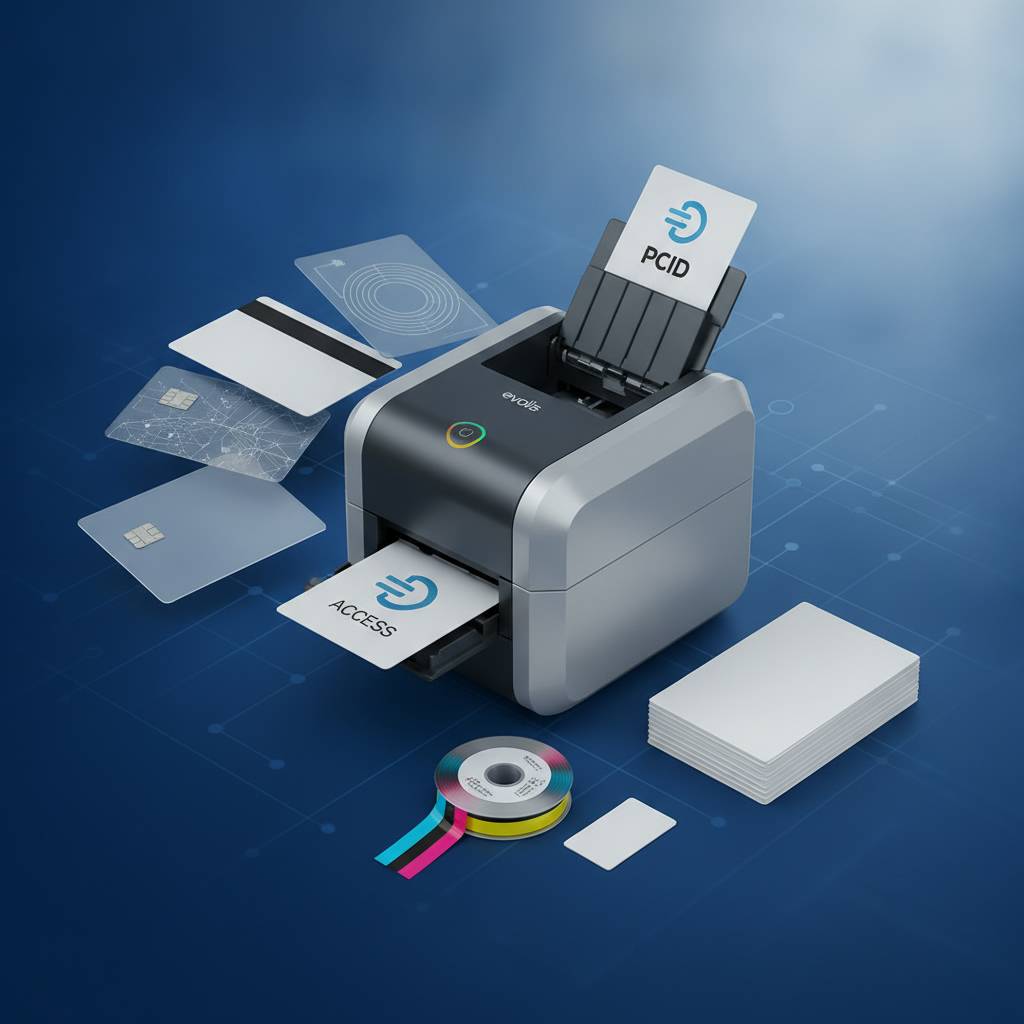 Printing a card is one dimension of the process. Encoding it is another - and for many programs, the encoded data is the card's entire functional purpose. A hotel key card that looks beautiful but fails at the door lock is worthless. Understanding encoding options ensures your card program works as hard as it looks.
Encoding happens either simultaneously with printing (in a printer-encoder combo) or as a separate step using a standalone encoder. For high-volume programs where cards are printed in one location and encoded in another - or where encoding data isn't available at print time - the two-step approach is sometimes necessary. For most programs, simultaneous print-and-encode is simpler and faster.
Magnetic Stripe Encoding Explained
Magnetic stripes store data on three tracks. Track 1 holds up to 79 alphanumeric characters; Track 2 holds up to 40 numeric characters; Track 3 holds up to 107 numeric characters. Most card programs use Track 2 for basic account numbers, member IDs, or access codes - it's the standard track used in retail gift card and loyalty applications. Programs requiring richer data, like cardholder names alongside account numbers, use Track 1 or a combination of Track 1 and Track 2.
HiCo magnetic stripe cards resist accidental erasure from common magnetic field sources - proximity to other cards, wallet closures with magnetic snaps, and minor environmental exposure. For any card expected to remain active for more than a few months and handled repeatedly, HiCo is the right specification. LoCo is adequate for short-lifecycle applications where cost minimization is the priority over longevity.
RFID and Contactless Card Technology
RFID and proximity cards communicate with readers wirelessly, eliminating the need for physical card swipe or insertion. This contactless convenience drives adoption in access control, hotel key, and event credentialing applications where speed of entry matters. Proximity cards (125 kHz) are the traditional standard for building access - simple, reliable, and widely supported by legacy reader infrastructure.
High-frequency RFID cards at 13.56 MHz, including MIFARE DESFire variants, offer significantly greater data capacity and security features including encrypted communication between card and reader. Casino player cards, campus ID programs, and enterprise access control deployments increasingly specify MIFARE DESFire for its security architecture. These cards can be printed on with standard card printers while the RFID functionality operates completely independently of the printed surface.
Smart Chip Cards for Secure Applications
Contact smart chip cards carry an embedded microprocessor that stores and processes data. They're the credential of choice for applications demanding strong security - government ID programs, healthcare credentialing, and high-security campus access being the primary use cases. Programming a smart chip card requires a compatible printer-encoder or a standalone chip programmer in addition to your standard card printing setup.
Printing over a contact smart chip card requires attention to chip placement within your design. The gold contact pad on the card face is a defined area that should not be obscured by design elements - it's the physical interface through which card readers communicate with the chip. Account for this in your template setup and the rest of the design process proceeds normally.
Building and Scaling Your In-House Card Program
Running card production in-house gives organizations total control over timing, personalization, and cost - especially valuable when card programs need to respond quickly to staff changes, member enrollments, or event registrations. The economics of in-house printing favor programs printing as few as 50 cards per month, with cost-per-card dropping rapidly as volume increases.

A complete in-house card printing setup from CPE typically includes a card printer, the appropriate ribbon supply, blank cards in your chosen specification, cleaning kits for printer maintenance, and card carriers or sleeves for card distribution. The total investment varies widely depending on printer model and volume expectations, but a capable entry-level system starts well under $1,000.
Calculating Your Per-Card Cost
Per-card cost has four components: blank card cost, ribbon cost per card, overlaminate cost (if applicable), and a prorated printer hardware amortization. Blank white CR80 PVC cards in bulk quantities typically cost a few cents each - the card itself is rarely the major cost variable. Ribbon cost per card depends on your ribbon yield and design color density, typically ranging from $0.10-$0.50 per card for full-color YMCKO printing.
Factoring printer hardware cost over an expected five-to-seven year life cycle at your projected monthly volume produces a per-card amortization figure. For most programs printing 200 or more cards per month, hardware amortization becomes negligible. The real operational cost leverage is in ribbon management - ordering at the right quantities, matching ribbon type to application, and maintaining your printer properly to avoid premature printhead replacement.
Printer Maintenance: The Step Most Programs Skip
Card printers are precision instruments. The single most impactful maintenance action is regular cleaning - and it's also the most frequently neglected. PVC dust, ribbon debris, and environmental contamination accumulate on the printhead and transport rollers over time, degrading print quality gradually in a way that's easy to miss until it's severe. Cleaning kits are inexpensive and most modern card printers prompt you to clean at regular card-count intervals.
A proper cleaning cycle uses isopropyl alcohol-soaked cleaning cards fed through the printer transport path, combined with a printhead cleaning swab. Most manufacturers recommend cleaning every 1,000 cards or when you change ribbon rolls - whichever comes first. Following that schedule extends printhead life significantly, and a replacement printhead can cost $200-$600 depending on printer model. Prevention is obvious math.
Scaling Up: When to Consider Outsourced Card Production
In-house printing makes sense up to a point. At very high volumes - tens of thousands of cards in a short window, or complex multi-layer card constructions - outsourced production through CPE's card affixing and mailing services may deliver better economics and faster turnaround than scaling in-house hardware. The right model depends on whether your volume is steady or seasonal, whether personalization requirements are complex, and what your staff capacity looks like.
Many organizations use a hybrid approach: in-house printing for day-to-day card issuance and replacement, supplemented by outsourced production for large seasonal runs like annual membership renewals or event credential batches. This keeps in-house equipment sized appropriately for normal operations without straining it during peak demand. Contact 800.835.7919 to discuss which approach fits your program's specific needs.
Specialty Cards and Advanced Options Worth Knowing About
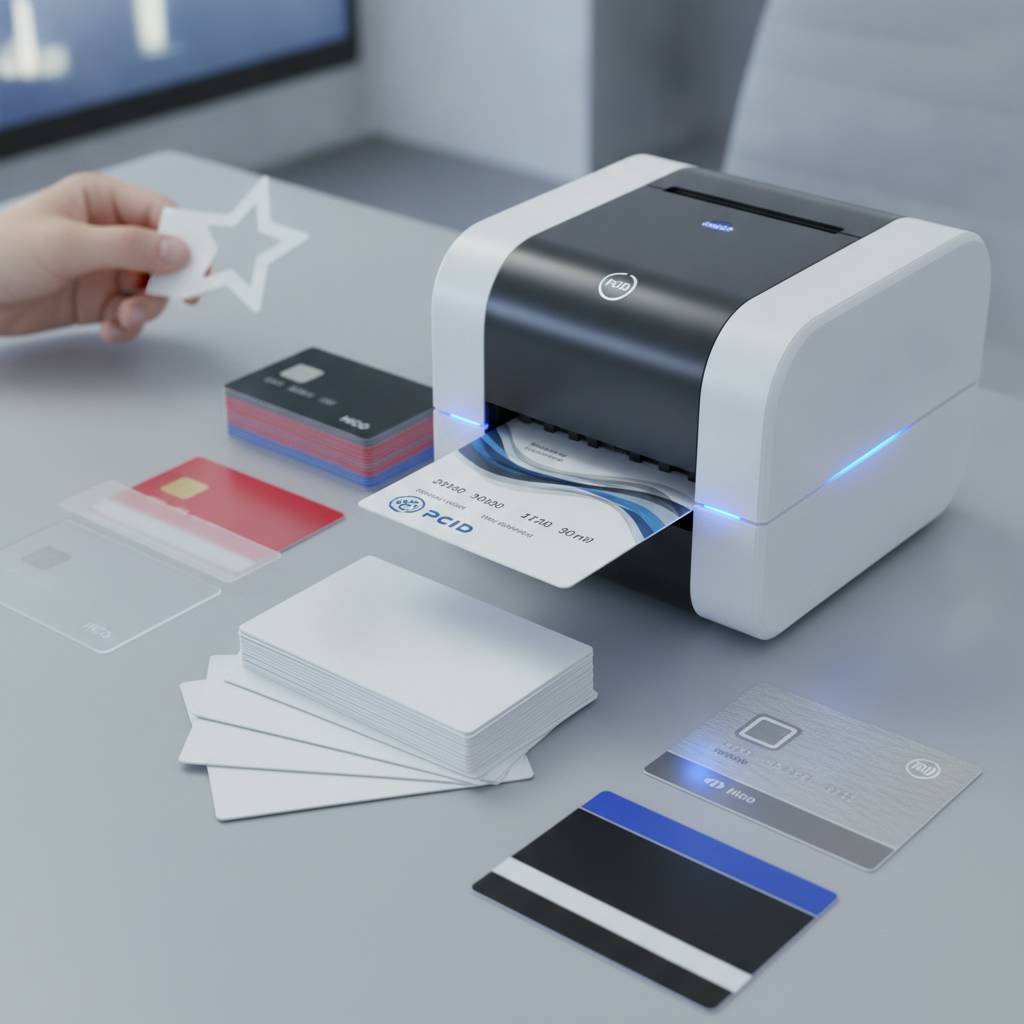 Not every card program needs a standard white PVC rectangle. The range of specialty card options available through Plastic Card ID extends well beyond the basics - and for the right application, a specialty card transforms the cardholder experience in ways that drive real program outcomes. Casino player cards, hotel keys, luxury metal cards, and custom die-cut shapes each serve specific use cases with precision.
Specialty cards typically require some advance planning around compatibility with your existing printing and encoding infrastructure. Some specialty cards print exactly like standard cards; others require specific printer configurations or separate production workflows. Understanding these requirements before committing to a specialty card type avoids surprises and keeps your program on schedule.
Clear and Frosted Plastic Cards
Clear and frosted PVC cards create a distinctive visual impression that standard white cards simply cannot match. Used strategically for VIP membership cards, premium loyalty tiers, or executive credentials, they signal exclusivity and elevate the perceived value of the program. Printing on clear stock requires a white underlay pass before the color layer - without it, colors are transparent and designs disappear against light backgrounds.
Frosted cards offer a softer, matte-finish alternative that accepts printing more straightforwardly than fully clear cards, though the frosted surface can affect color vibrancy. Testing your specific design on a small sample run before committing to a full production batch is always worthwhile when working with specialty card stock for the first time.
Luxury Metal Cards: Stainless Steel, Brass, and Gold
Metal cards occupy a category of their own. Stainless steel, brass, and gold metal cards communicate premium positioning in a way that no plastic card can replicate - the weight, the cool-to-touch surface, the sound they make when set on a hard surface. For high-end membership programs, executive credentials, VIP loyalty tiers, and luxury brand applications, metal cards create an immediate and memorable impression.
Metal cards require laser engraving or specialized printing processes rather than standard dye sublimation, and the per-card cost reflects the materials and production complexity involved. The investment is justified when the card itself is part of the brand experience - when the physical card is meant to be kept, displayed, and shown to others as a marker of status or belonging.
Custom Die-Cut Shapes and Casino Player Cards
Custom die-cut cards break the rectangular format entirely - key fob shapes, rounded squares, irregular brand-specific outlines. Die-cut cards work exceptionally well for loyalty key tags that attach to keychains, making them consistently accessible at point of sale without requiring wallet real estate. Casino player cards are a specific and sophisticated application requiring durable materials, high-fidelity printing, and often RFID or magnetic stripe encoding for integration with gaming management systems.
CPE has deep experience supplying both specialty shapes and casino-grade player cards to clients across the United States. These are not off-the-shelf catalog items - they're tailored solutions developed in conversation with clients whose programs have specific, often complex requirements. That's the difference between a transactional supplier and a genuine strategic partner.
Start Printing with Confidence - Plastic Card ID Has You Covered
 Twenty-five years. Over 100,000 customers. More than 50 million cards delivered. Plastic Card ID has earned its position as the trusted partner for plastic card programs of every scale - from the small business printing 50 membership cards a month to the enterprise running tens of thousands of employee IDs through a multi-printer production line. The catalog is comprehensive, the expertise is real, and the commitment to helping clients succeed runs through every interaction.
Whether you're standing up a brand-new card program, upgrading aging hardware, or trying to solve a specific printing or encoding challenge you haven't been able to crack, CPE has the inventory, the technical knowledge, and the customer relationships to get you where you need to be. Blank cards, printers, ribbons, cleaning supplies, card carriers, encoding hardware - it's all here, all in one place, all backed by experience that paper suppliers and generic office supply chains simply cannot match.
Ready to get started or need expert advice on your card program? Call Plastic Card ID today at 800.835.7919. The right cards, the right printers, and the right guidance are one conversation away.
Previous Page